Users, Roles & Teams
Keel controls who can sign in and what they can do through three linked settings pages: Users (the accounts), Roles & permissions (what each account may do), and Teams (how accounts are grouped). Together they give you role-based access control (RBAC) across the platform.
Users
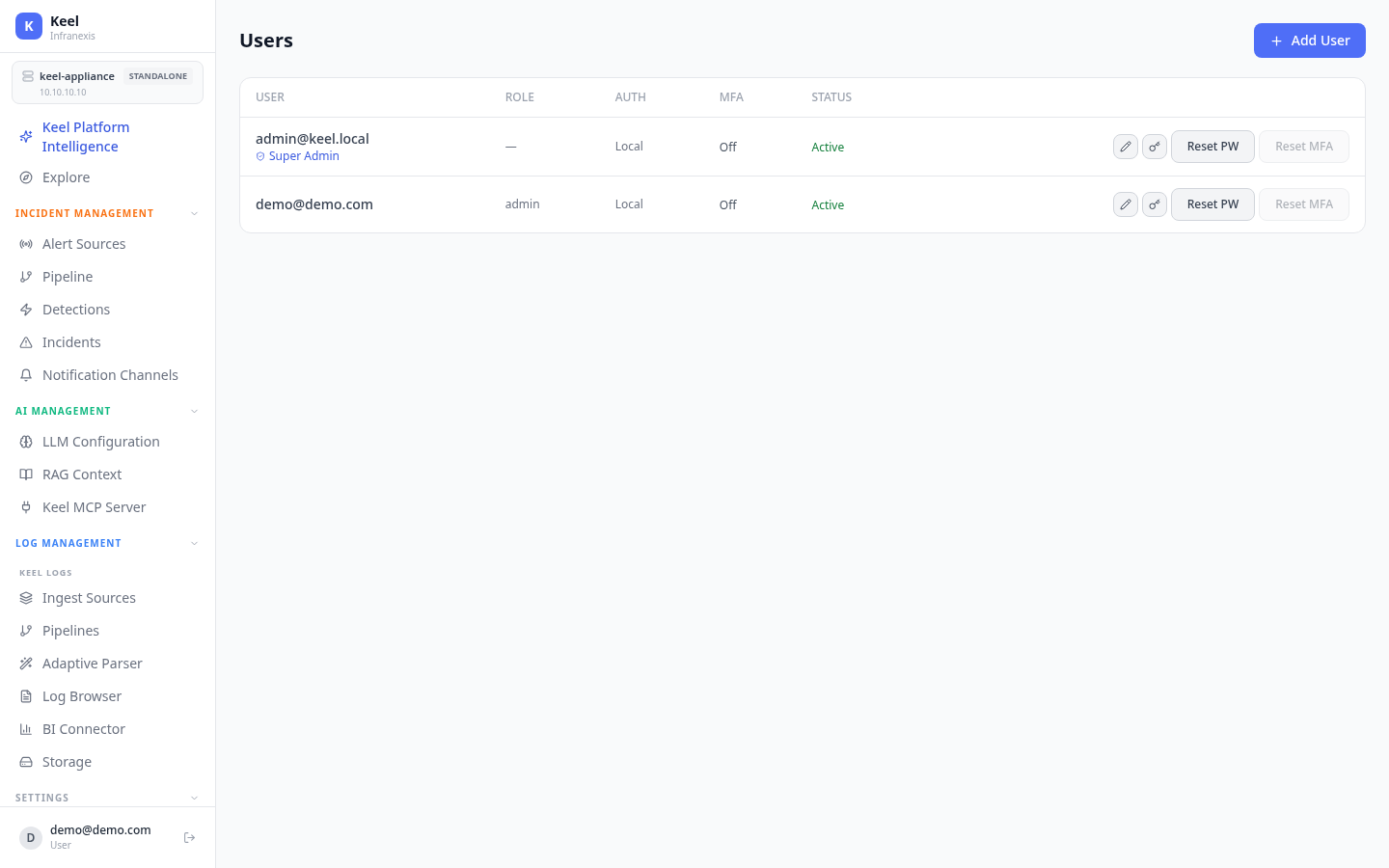
Location in Keel: /settings/users
The Users page lists every account on the appliance. Each row shows the user and the key facts you need to manage access:
| Column | What it shows |
|---|---|
| User | The account's email address (for example [email protected]) |
| Role | The role assigned to the account, such as Super Admin or admin |
| Auth | How the account signs in — Local for a local password account |
| MFA | Whether multi-factor authentication is on or off |
| Status | Whether the account is Active |
Use Add User to create an account. On any existing account you can Reset PW to force a new password and Reset MFA to clear an enrolled authenticator so the user can re-enrol.
Enforce MFA for everyone
You can require MFA for all users from the Security Policy page rather than tracking it account by account.
Roles & permissions
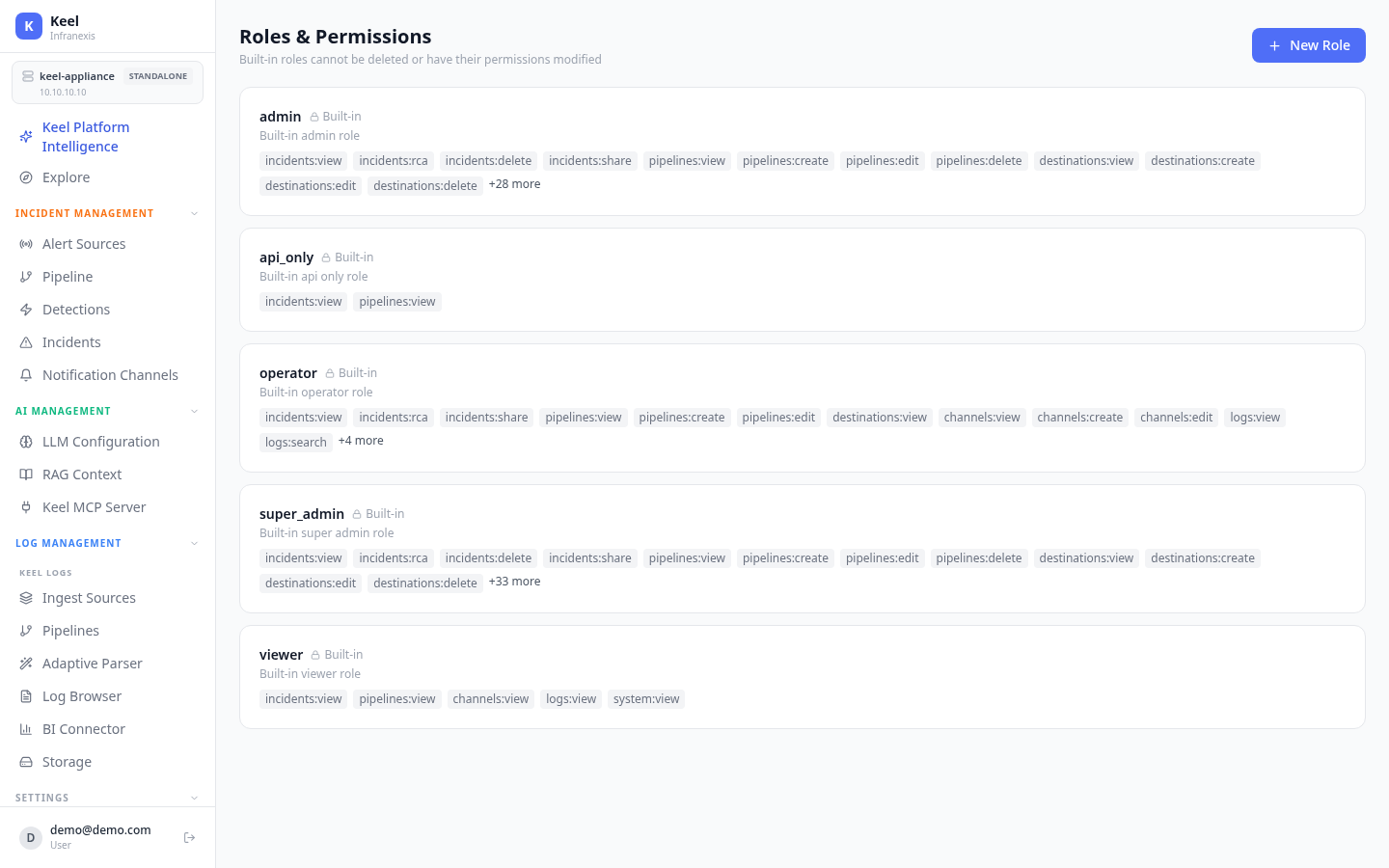
Location in Keel: /settings/roles
Roles are collections of fine-grained permissions expressed as resource:action grants — for example incidents:view, pipelines:create, logs:search, or system:view. A user's role determines exactly what they can see and change across incidents, pipelines, destinations, channels, logs, and system settings.
Keel ships with several built-in roles:
| Role | Purpose |
|---|---|
| super_admin | Full control across the platform |
| admin | Broad administrative access |
| operator | Day-to-day operations — view and manage incidents, pipelines, channels, and search logs |
| viewer | Read-only across incidents, pipelines, channels, logs, and system |
| api_only | Minimal read access (incidents:view, pipelines:view) for API use |
Use New Role to define a custom role with exactly the permissions you choose.
Built-in roles are protected
Built-in roles cannot be deleted or have their permissions modified. To adjust access, create a new role and assign it. A viewer holds only *:view-style grants, so viewers cannot change any configuration.
Teams
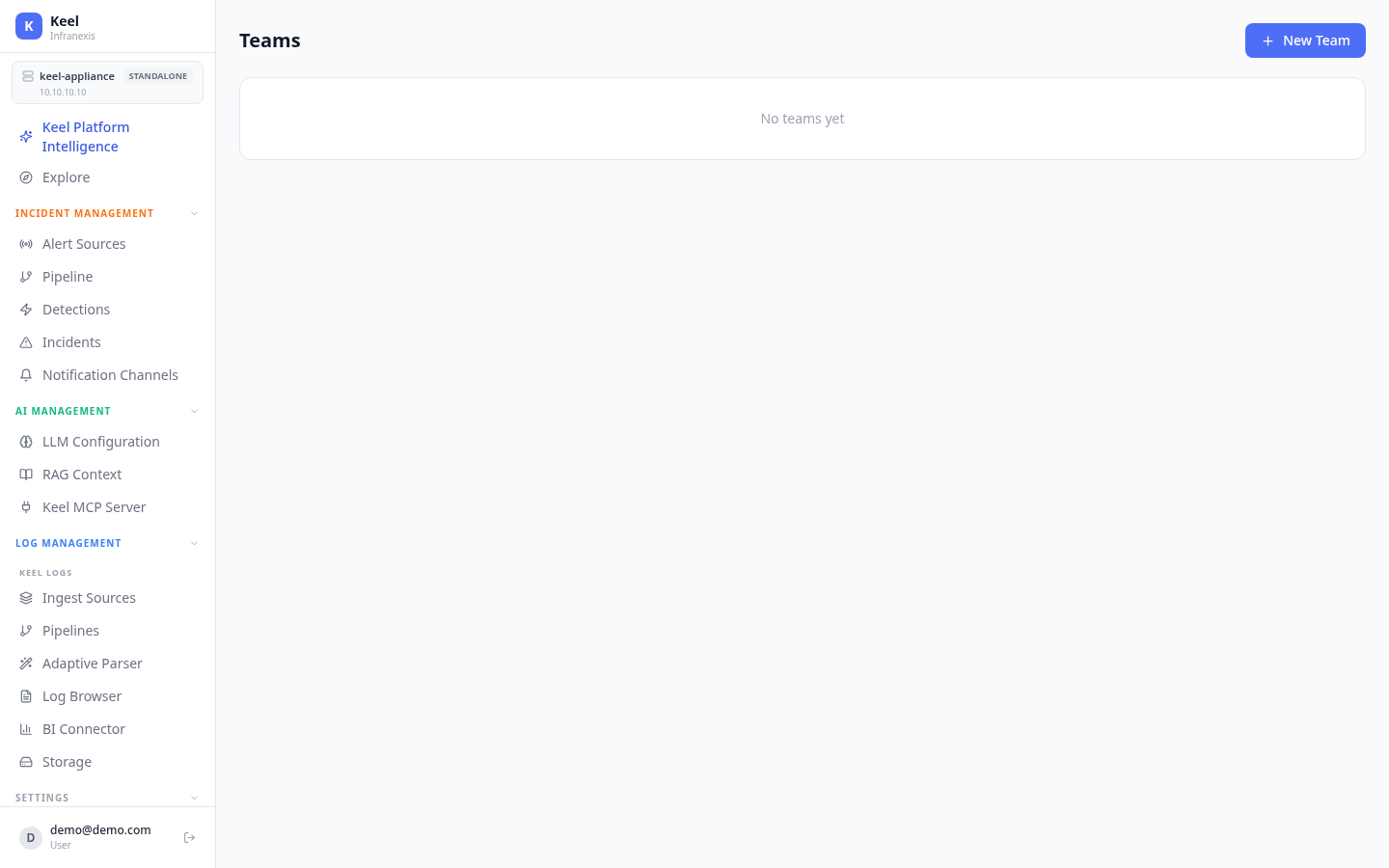
Location in Keel: /settings/teams
Teams let you group users together for organisation and ownership. On a fresh appliance there are no teams yet — use New Team to create the first one.
Related
- Authentication & SSO — how users sign in (local accounts and external providers)
- Security Policy — password rules, MFA enforcement, and session controls