Audit Logs
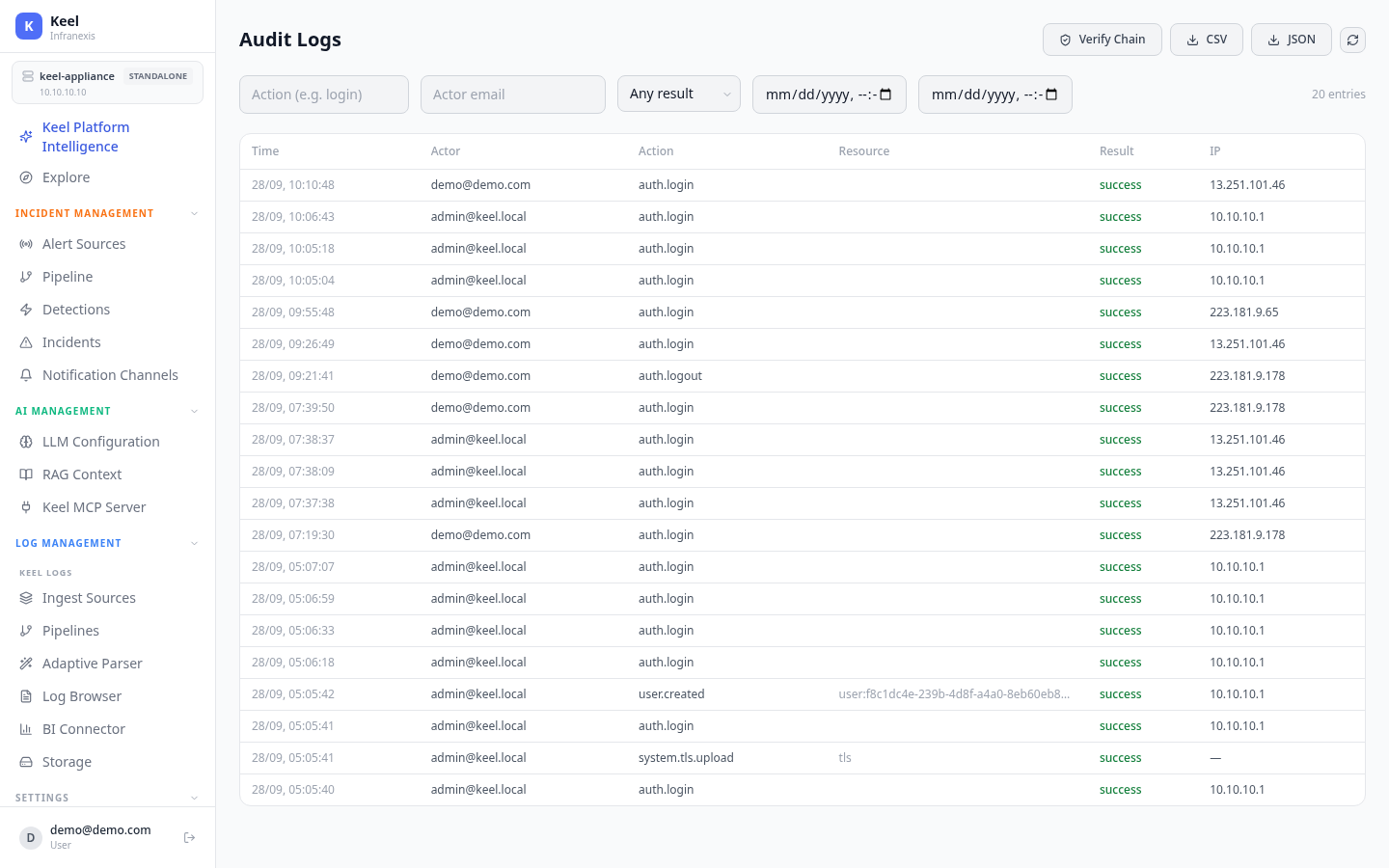
Location in Keel: /settings/audit
Audit Logs record actions taken on the appliance — who did what, from where, and whether it succeeded. Authentication events and configuration changes (for example a new user or a TLS certificate upload) all land here, giving you an accountable trail for security review and compliance.
The audit trail
Each entry is a single row:
| Column | What it holds |
|---|---|
| Time | When the action happened |
| Actor | The account that performed it (e.g. [email protected], [email protected]) |
| Action | The action name, namespaced — e.g. auth.login, auth.logout, user.created, system.tls.upload |
| Resource | The target of the action, where one applies (e.g. user:<id>, tls) |
| Result | success, failure, or error |
| IP | The source IP address (— when not applicable) |
The header shows the current entry count (for example, 15 entries).
Filtering
Narrow the trail with the filters above the table:
- Action — filter by action name (placeholder: e.g. login).
- Actor email — filter to a single account.
- Result — choose Any result, success, failure, or error.
Integrity and export
- Verify Chain validates the integrity of the audit trail, confirming entries haven't been altered or removed.
- CSV and JSON export the current view for archival or ingestion into another system.
Keep an off-box copy
Export to CSV or JSON — or forward events — so you retain an independent record outside the appliance for long-term retention and external review.
Related
- Users, roles & teams — the accounts and roles that appear as actors
- Authentication — the sign-in events recorded here (
auth.login/auth.logout) - Network, SSL & Firewall — config changes such as
system.tls.uploadare audited