Timezone
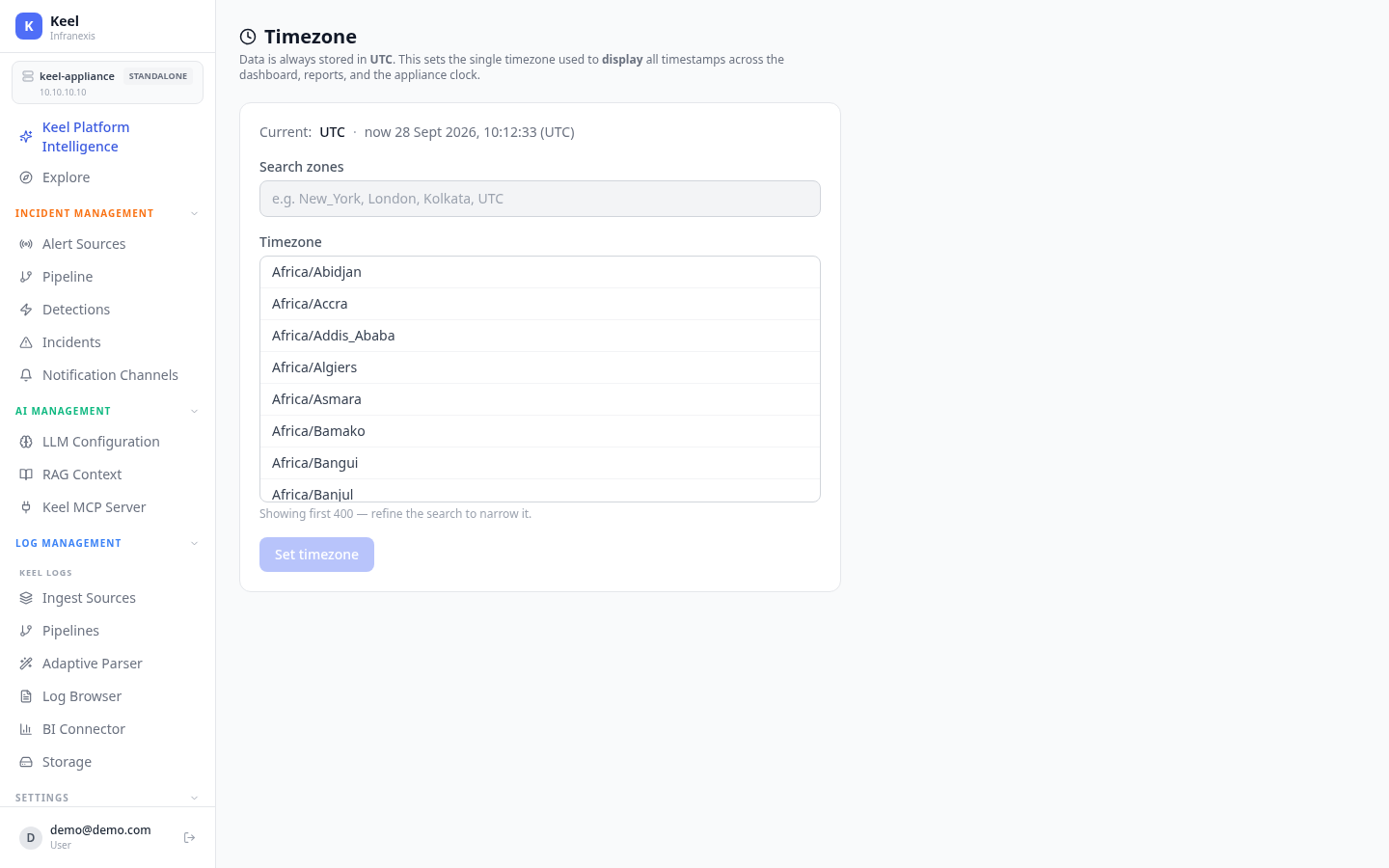
Location in Keel: /settings/timezone
The Timezone setting chooses the single timezone used to display all timestamps across the dashboard, reports, and the appliance clock.
Choosing a timezone
Use Search zones to filter the IANA timezone list (e.g. New_York, London, Kolkata, UTC) and select a Timezone. The current selection and live clock are shown at the top — for example, UTC · now 28 Sept 2026, 09:29:08 (UTC).
Data is always stored in UTC
Logs and records are stored in UTC regardless of this setting. Changing the timezone only affects how timestamps are displayed — it does not rewrite stored data.
Related
- Explore & dashboards — where timestamps are displayed
- Incidents & root-cause analysis — incident times honour this setting