System Alerts & Self-Healing
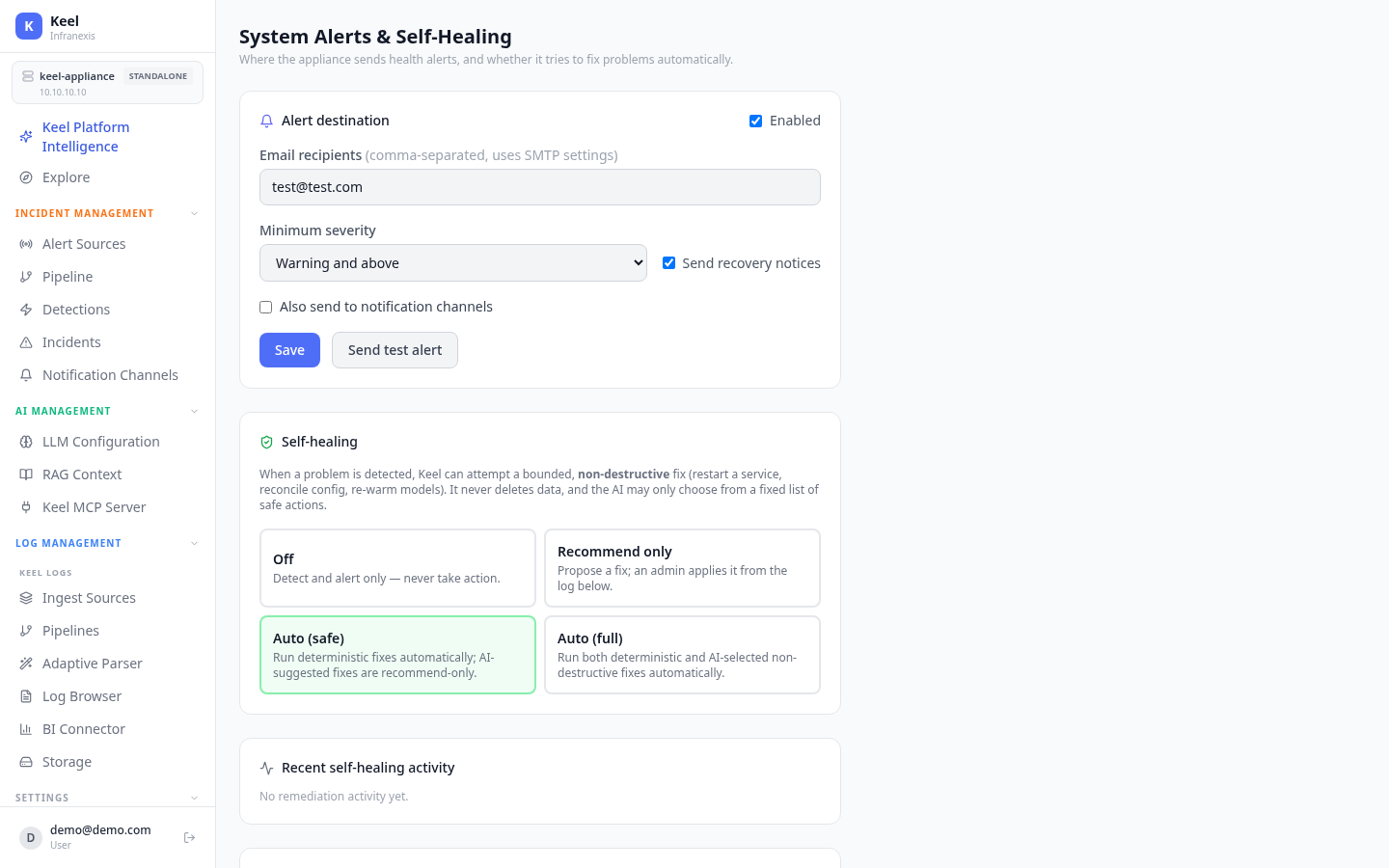
Location in Keel: /settings/system-alerts
System Alerts controls where the appliance sends alerts about its own health — and whether it may try to fix problems automatically. This is separate from the detections and incidents raised from your log data.
Configure a destination first
With no email recipient or notification channel set, system alerts are dropped. Add a destination so health alerts can actually be delivered.
Alert destination
| Field | Purpose |
|---|---|
| Enabled | Turn self-health alerting on |
| Email recipients | Comma-separated addresses (e.g. [email protected], [email protected]); uses your SMTP settings |
| Minimum severity | Warning and above or Critical only |
| Send recovery notices | Also notify when a problem clears |
| Also send to notification channels | Route alerts to Slack/Teams/webhook as well |
Use Send test alert to confirm delivery.
Self-healing
When a problem is detected, Keel can attempt a bounded, non-destructive fix — restart a service, reconcile config, re-warm models. It never deletes data, and the AI may only choose from a fixed list of safe actions.
| Mode | Behavior |
|---|---|
| Off | Detect and alert only — never take action |
| Recommend only | Propose a fix; an admin applies it from the activity log |
| Auto (safe) | Run deterministic fixes automatically; AI-suggested fixes remain recommend-only |
| Auto (full) | Run both deterministic and AI-selected non-destructive fixes automatically |
Recent self-healing activity lists remediations taken or proposed.
Prometheus metrics endpoint
Enable the metrics endpoint to expose the appliance's own health at /api/system/metrics for your monitoring to scrape. It is disabled by default and authenticated — use an API key / bearer token.
Related
- Email & SMTP — the mail settings alert email uses
- Notification Channels — Slack/Teams/webhook destinations
- High Availability — the health that self-healing acts on