Email (SMTP)
Location in Keel: /settings/email
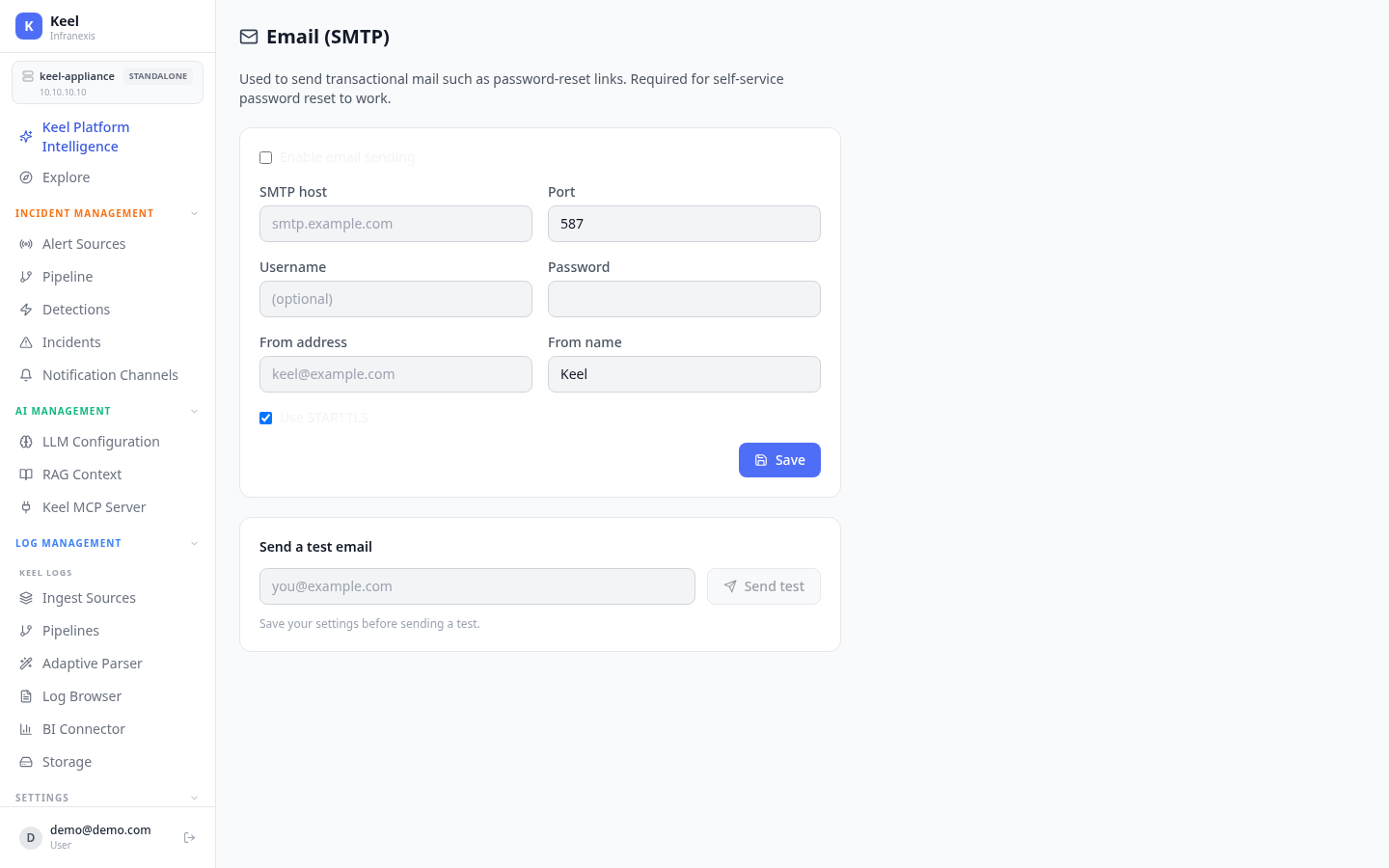
Email (SMTP) configures the mail server Keel uses to send transactional mail, such as password-reset links. It's required for self-service password reset to work.
SMTP settings
Turn on Enable email sending, then fill in your server details and Save:
| Field | Notes |
|---|---|
| SMTP host | Your mail server, e.g. smtp.example.com. |
| Port | The SMTP port your server listens on. |
| Username | Account used to authenticate (optional if your relay allows it). |
| Password | Password for that account (optional). |
| From address | The sender address, e.g. [email protected]. |
| From name | The display name, e.g. Keel. |
| Use STARTTLS | Enable to upgrade the connection to TLS. |
Send a test email
Use Send test to confirm the settings deliver mail.
Save before you test
Save your settings before sending a test — the test uses the saved configuration, not unsaved changes.
Related
- Authentication — self-service password reset depends on SMTP
- Notification channels — Slack, Teams, and webhook delivery for alerts