Notification Channels
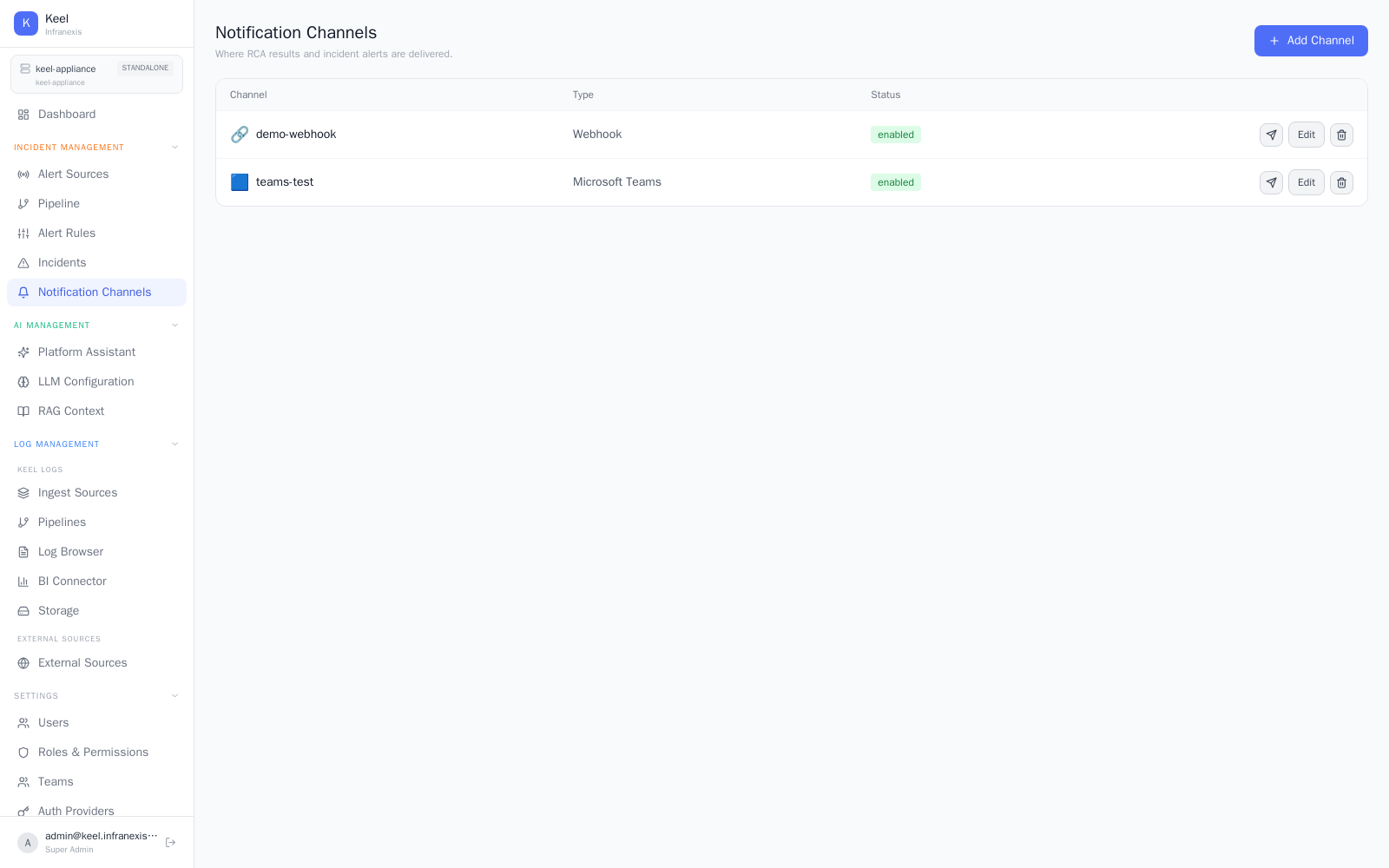
Location in Keel: /alert/channels
Notification channels are the destinations where RCA results and incident alerts are delivered. Add the channels your team already uses — Slack, email, Microsoft Teams, PagerDuty, or a generic webhook — so root-cause analysis reaches people where they work.
Adding a channel
Click Add Channel (or Add your first channel when the list is empty), pick the channel type, and fill in its connection details. Once a channel exists, reference it from an alert pipeline so that pipeline's incidents and RCA results are delivered to it.
Alerts need a destination
If self-health alerting is on but no email recipient or notification channel is configured, alerts can't be delivered. Add an email recipient or a channel (Slack / Teams / webhook) under Settings → System Alerts.
Email uses your SMTP settings
Email channels rely on the SMTP server configured under Settings → Email. Configure SMTP first so email delivery works.
Related
- Alert pipeline — route incidents to these channels
- Alert sources — where incoming alerts originate
- Incidents & root-cause analysis — the results that get delivered