My Account
Location in Keel: /settings/account
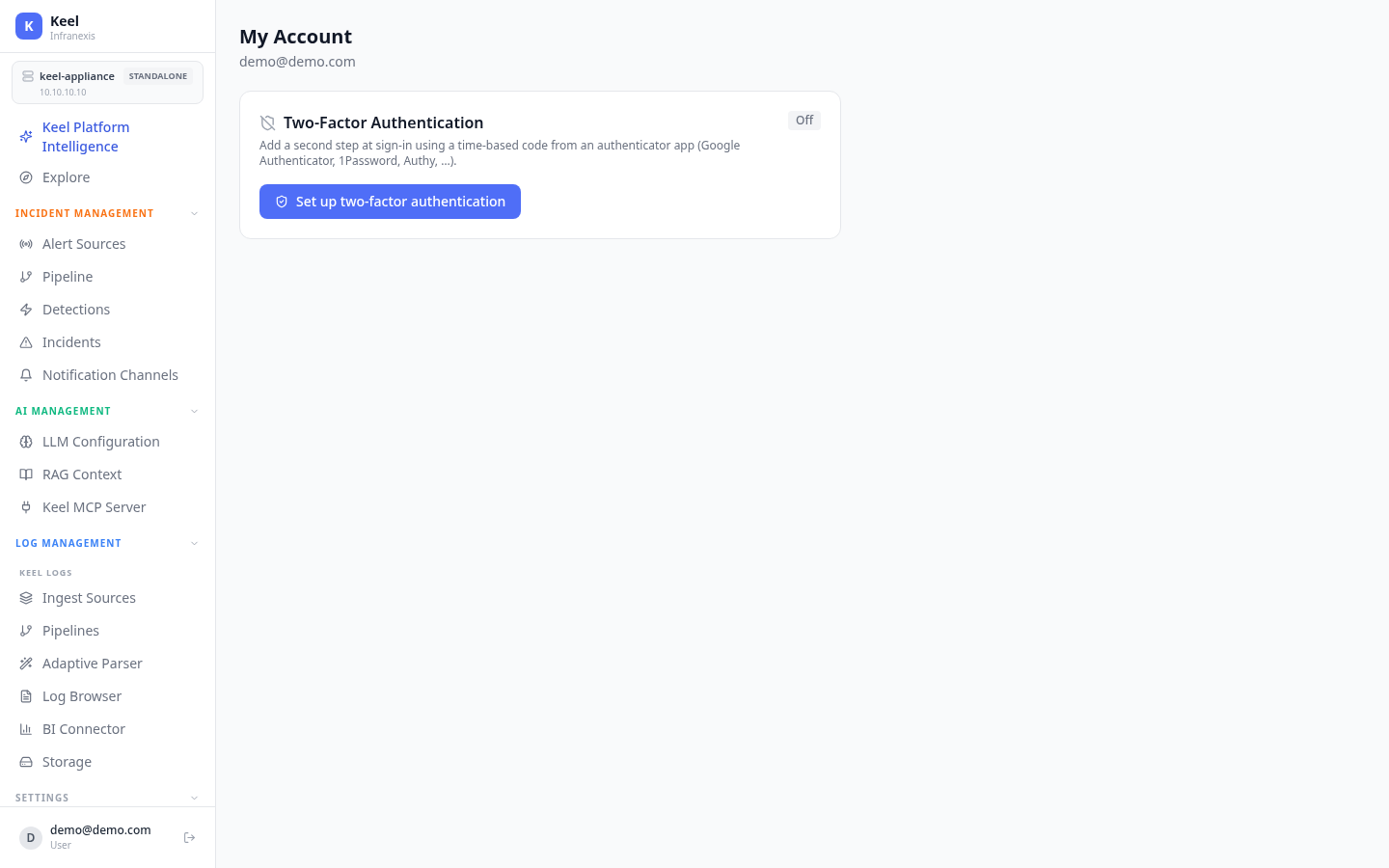
My Account shows the identity you are signed in as and lets you secure it with two-factor authentication.
Two-Factor Authentication
Add a second step at sign-in using a time-based code (TOTP) from an authenticator app such as Google Authenticator, 1Password, or Authy.
When 2FA is Off, use Set up two-factor authentication to enrol an authenticator app.
Protect privileged accounts
Enabling 2FA is strongly recommended for any account with administrative access to the appliance.
Related
- Authentication — sign-in methods and identity providers
- Users, Roles & Teams — manage other accounts and their permissions