Detections
Location in Keel: /alert/rules
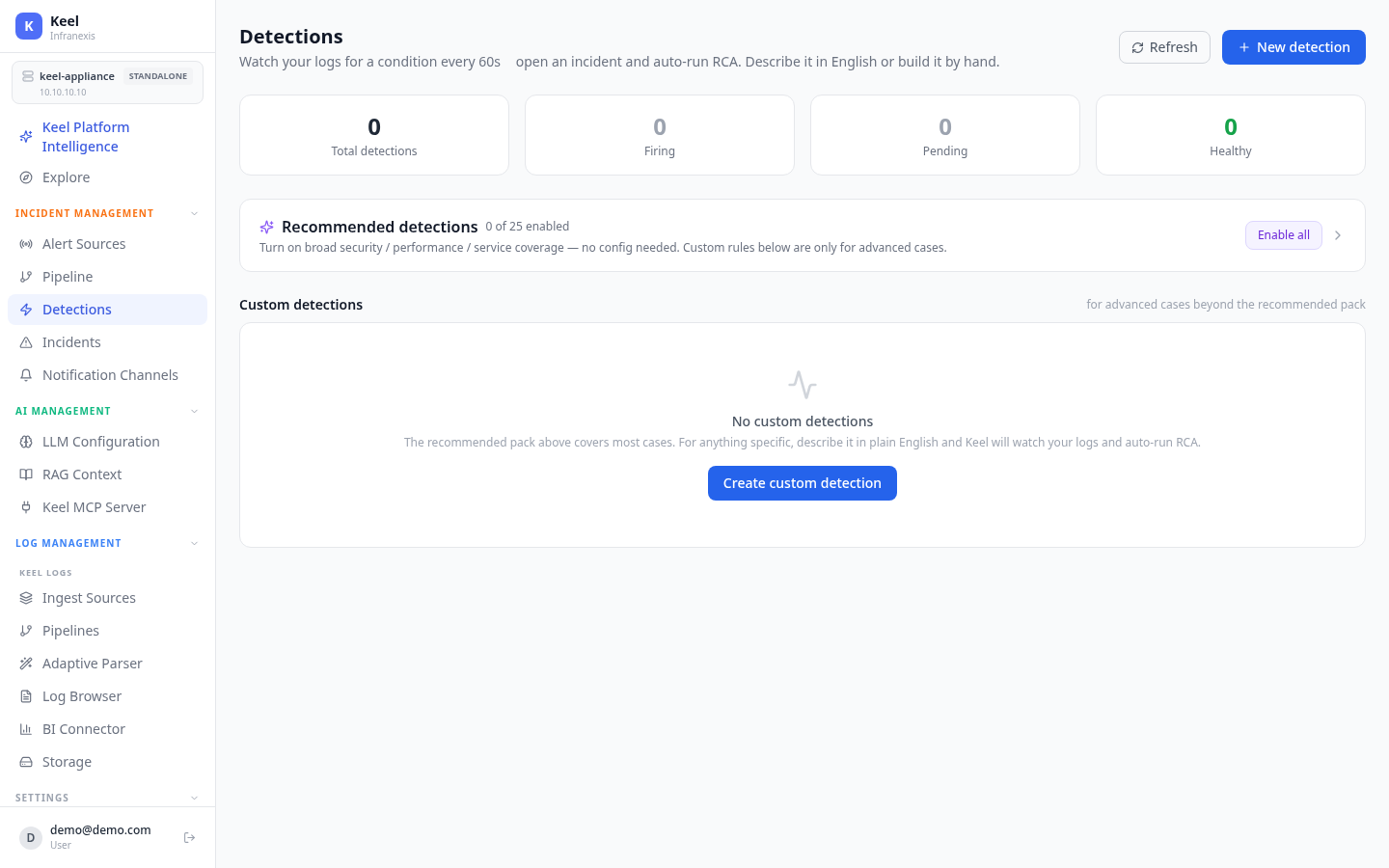
Keel doesn't only react to alerts raised elsewhere — it watches your own logs and raises incidents itself. A detection watches your logs for a condition every 60 seconds, opens a host-scoped incident when it fires, and automatically runs root-cause analysis. Describe what to watch for in plain English, or build the rule by hand.
Where the AI runs — and where it doesn't
Detection is deterministic. The AI is used only to help you author a rule, never to evaluate one.
AI in the control plane, not the hot path
When you describe a detection in plain English, Keel uses AI once, at authoring time, to compile your description into a concrete, reviewable rule. The periodic evaluation loop that actually watches your logs runs with no AI at all — it's pure aggregation, so it's fast, explainable, and identical every run. The only AI call at run time is the root-cause analysis that fires once per incident.
The evaluator runs on a fixed 60-second cadence against all enabled detections. The page shows live counts — total detections, firing, pending, and healthy — at a glance.
Recommended detections
Most operators don't know which rules to configure first, so Keel ships a curated pack of 25 recommended detections — disabled by default — that turn on broad security, performance, and service coverage with no configuration needed. Enable them individually, or use Enable all to switch on the whole pack at once. Each one is English-described, compiles to a deterministic check, and auto-runs RCA when it fires.
A detection engine, not a SIEM content marketplace
The recommended pack is a curated starter set, not a comprehensive SIEM detection-content ecosystem — there is no large third-party correlation-rule or threat-intelligence library. Keel covers the operational detection and automatic root-cause layer; if your practice depends on an extensive external detection library, keep it alongside.
Custom detections
Custom detections are for advanced cases beyond the recommended pack. Click Create custom detection (or New detection) and either type the condition in plain English or build the rule directly in the editor.
Rule types
| Type | Fires when |
|---|---|
| Threshold | The count of matching logs crosses a limit over a window. |
| Rate | Matching events per minute cross a limit. |
| Absence (missing logs) | Logs that are normally present stop arriving — a missing heartbeat, or a service that always logs suddenly going quiet. |
| Spike (anomaly) | The current window rises significantly above a rolling baseline — no fixed threshold to guess. |
| Presence (pattern) | One or more logs match a signature — a substring or regular expression (a panic, a stack trace, a known-bad line). |
Authoring in plain English
- Type the condition in plain English — for example, "alert me when checkout errors spike on any host."
- Keel grounds the compilation with your log schema, the services actually present in your data, and your runbooks, then returns a structured, editable rule with a reviewable compiled query.
- Before you enable it, run it against recent logs to confirm it matches what you expect.
From firing to incident to root cause
- Host-scoped incidents. When a detection fires, Keel opens an incident scoped to the affected host and grounds the investigation in the correlated logs and your runbooks.
- RCA on every incident. The same incident and RCA pipeline is used for both self-detected conditions and external alerts.
Health alerts need a delivery destination
If self-health alerting is on but no email recipient or notification channel is configured, alerts can't be delivered. Add an email recipient or a notification channel (Slack / Teams / webhook) under Settings → System Alerts.
Access & availability
- On a 3-node high-availability cluster, only the leader node evaluates detections, so a self-detected condition raises a single incident across the cluster.
Related
- Incidents & root-cause analysis — what happens after a detection fires
- Alert pipeline — route firings to RCA and notification channels
- Notification channels — where results are delivered
- Knowledge base — runbooks that ground RCA