Ingest Sources
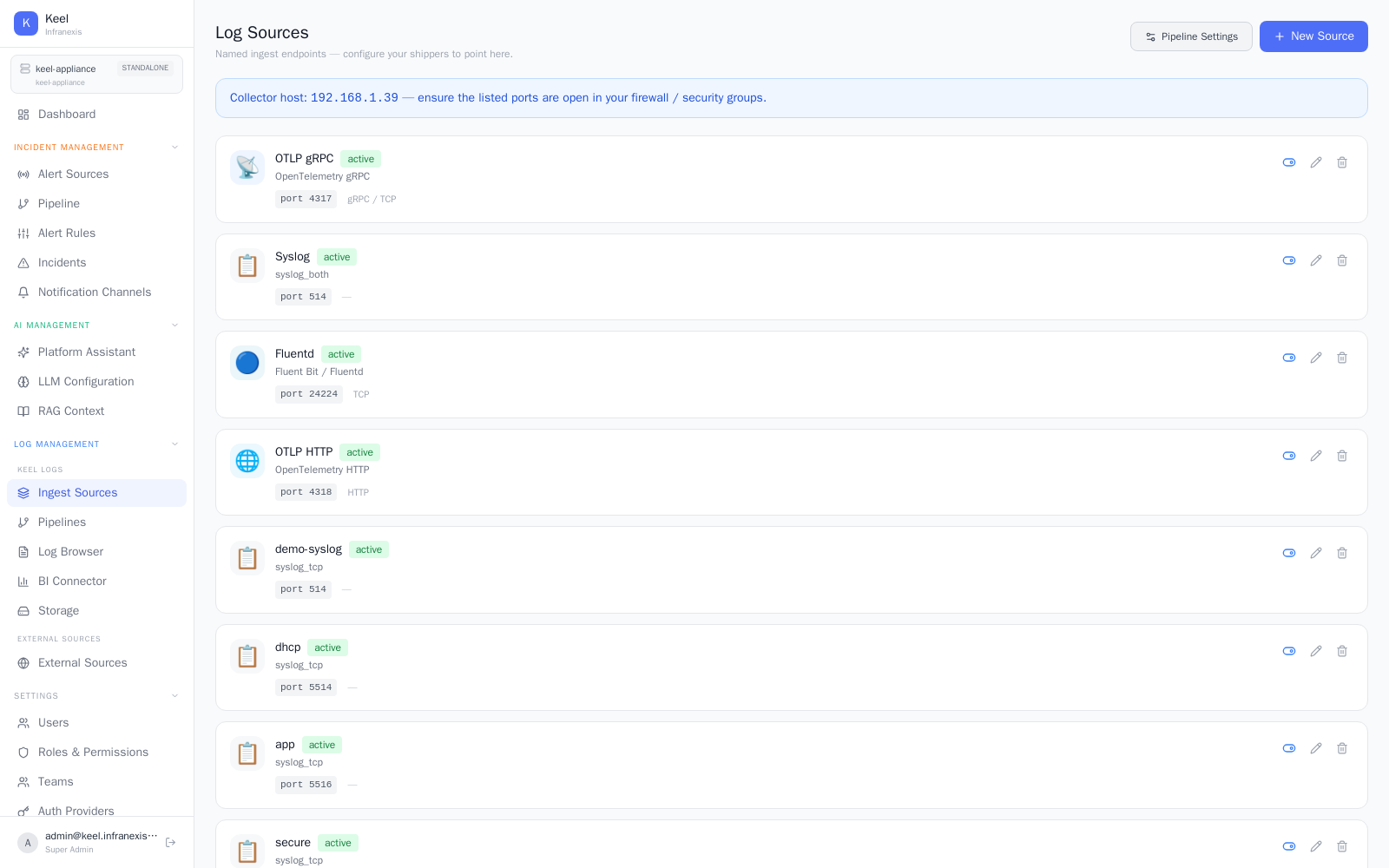
Location in Keel: /log/sources
Log Sources are named ingest endpoints — the addresses your log shippers point at to send data into Keel. Keel ingests logs from across your estate, IT and OT alike: applications, servers and containers, network and security appliances, and OT/ICS systems. Each source listens on its own protocol and port, and the page shows the health of every one at a glance.
Adding a source
Use New Source to define an endpoint, and Pipeline Settings to jump to the pipelines that process incoming logs. Each source lists its Source name, Protocol, Port, and Status.
Open the ports
Shippers connect to the collector host shown on the page (for example, demo-box.keel.infranexis.com). Make sure the listed ports are open in your firewall or security groups, or logs won't arrive.
Supported protocols
The Protocol Reference on the page lists the built-in ingest protocols:
| Source | Protocol | Port |
|---|---|---|
| OTLP HTTP | OpenTelemetry HTTP | 4318 |
| OTLP gRPC | OpenTelemetry gRPC | 4317 |
| Fluentd | Fluent Bit / Fluentd | 24224 |
| Syslog | syslog_both | 514 |
Each source carries a Status (for example, active) so you can confirm an endpoint is up and accepting data.
OT / ICS sources
Operational-technology and ICS devices — PLCs, sensors, gateways, and industrial network gear — almost always emit syslog, so they ingest straight into Keel over the syslog endpoint (port 514), with no proprietary agent required. Formats Keel doesn't recognise out of the box can be structured in the log pipeline.
Related
- Log Pipelines & Processing — filter, parse, and route what a source ingests
- Log Browser & Search — read the logs once they're flowing