Alert Sources
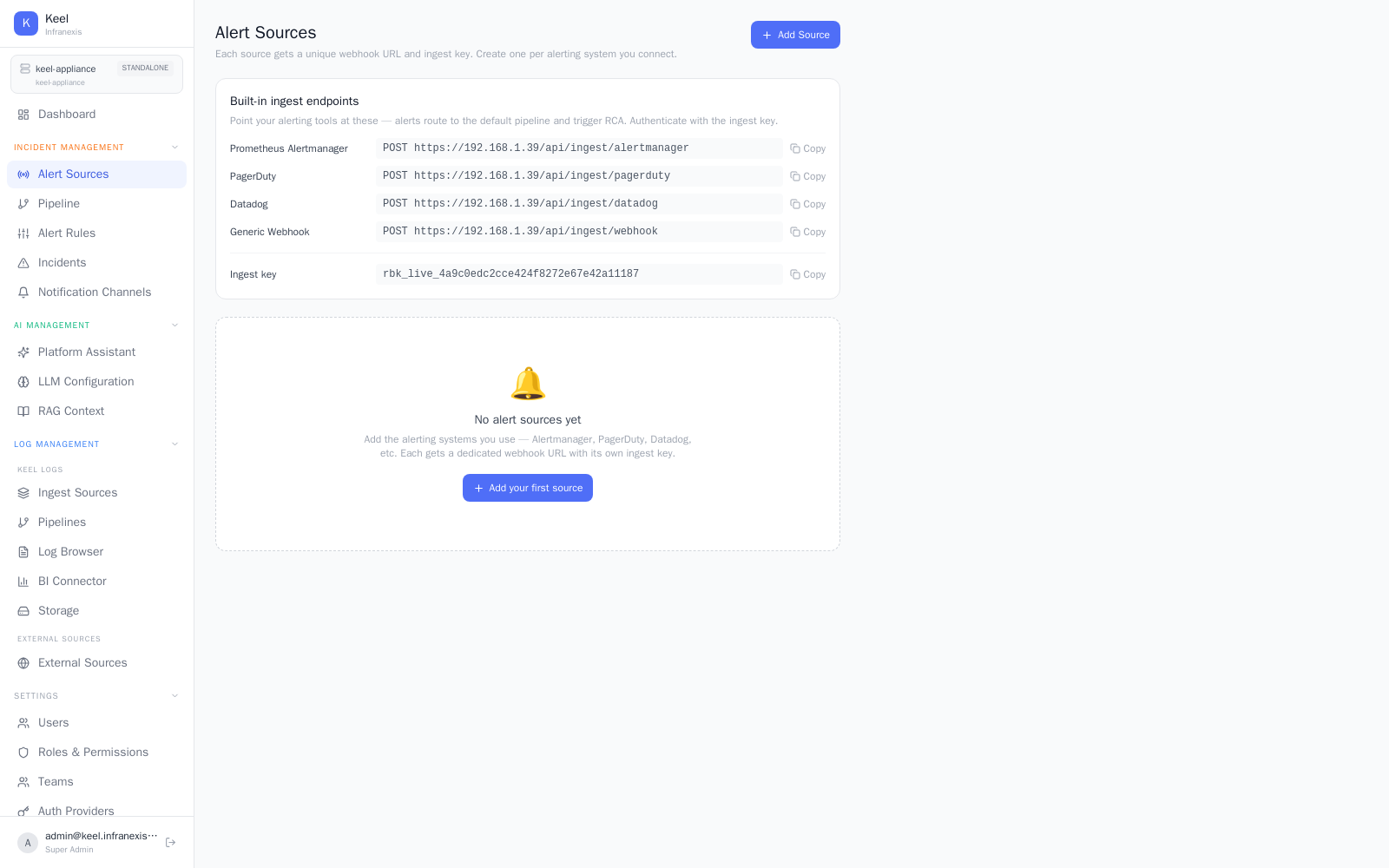
Location in Keel: /alert/sources
Alert Sources define where incoming alerts come from. Add the alerting systems you already run — Alertmanager, PagerDuty, Datadog, and others — and Keel gives each one a dedicated webhook URL with its own ingest key. Create one source per alerting system you connect.
Adding a source
Click Add Source (or Add your first source when the list is empty). Each source you create gets:
- A unique webhook URL to point the alerting tool at.
- Its own ingest key for authenticating incoming payloads.
Because every source has a distinct URL and key, you can connect several alerting systems side by side and rotate or revoke any one of them independently.
Built-in ingest endpoints
Keel also exposes a set of built-in ingest endpoints (4 endpoints plus an ingest key). Use Show on the Alert Sources page to reveal the endpoint URLs and key for direct ingestion.
Where alerts go next
Sources only bring alerts in. To decide how those alerts become incidents, run RCA, and reach your team, configure an alert pipeline and notification channels.
Related
- Alert pipeline — route incoming alerts to RCA and channels
- Notification channels — where results are delivered
- Incidents & root-cause analysis — what an incoming alert becomes