Storage
Location in Keel: /settings/storage
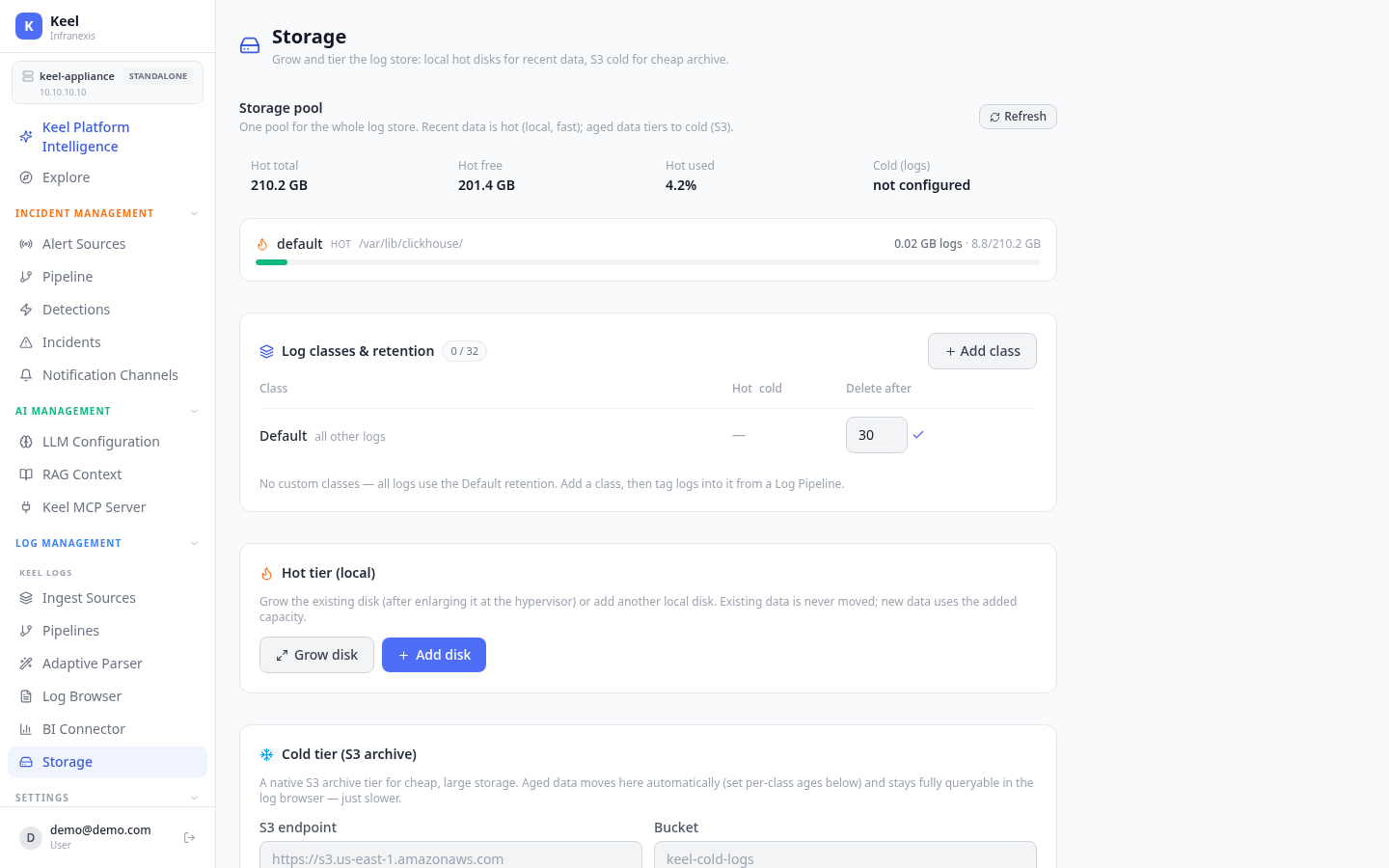
Storage manages where your logs live: fast local hot disks for recent data, and an optional S3 cold archive for cheap, large storage. Aged data tiers automatically, and cold data stays queryable in the Log Browser.
Storage pool
Keel keeps the whole log store in one pool. Recent data is hot (local, fast); aged data tiers to cold (S3). The page shows live figures for the pool — hot total, hot free, hot used, and cold usage — with Refresh to update them.
Hot tier (local)
The hot tier is local disk for recent, frequently queried data. When it fills up you can:
- Grow disk — expand the existing disk after you've enlarged it at the hypervisor.
- Add disk — attach another local disk.
Existing data isn't moved
Growing or adding a disk doesn't relocate existing data — new data simply uses the added capacity.
Cold tier (S3 archive)
Attach an S3-compatible bucket as a cold archive for cheap, large storage. Aged data moves here automatically based on the per-class ages you set, and it stays fully queryable in the Log Browser — just slower than hot data. Use Attach cold tier with:
| Field | Example |
|---|---|
| S3 endpoint | https://s3.us-east-1.amazonaws.com |
| Bucket | keel-cold-logs |
| Access key | your bucket's access key |
| Secret key | your bucket's secret key |
Log classes & retention
A log class controls how long its logs stay hot, when they tier to cold, and when they're deleted. Every log uses the Default class until you define others. Use Add class to create one, then tag logs into it from a Log Pipeline's Assign log class block.
Where retention is set
Per-class hot→cold and delete-after windows are set here on the Storage page. Governance data (incidents, audit logs, and more) has its own windows on the Data Retention page.
Related
- Data Retention — retention for governance data
- Log Pipelines & Processing — tag logs into a class with Assign log class
- Backup & restore