Authentication & SSO
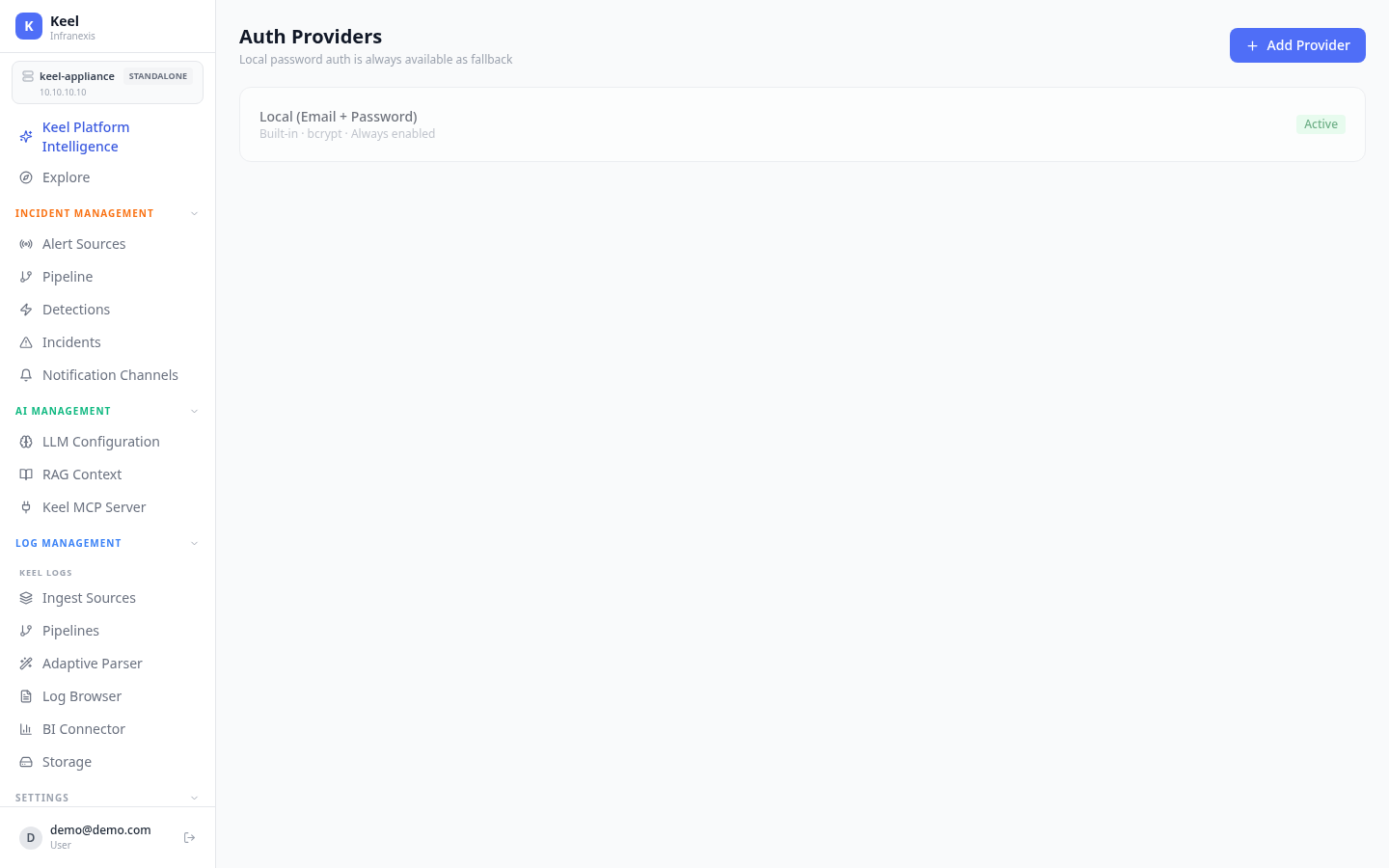
Location in Keel: /settings/auth
The Auth Providers page controls how users sign in to Keel. A built-in local password provider is always available, and you can add external identity providers so users authenticate against your existing directory or single sign-on.
Local accounts
Keel includes a built-in Local (Email + Password) provider. It is always enabled and passwords are stored hashed with bcrypt. This provider acts as a fallback: local password auth stays available even when an external provider is configured, so you can never lock yourself out of the appliance.
Local auth cannot be turned off
The page notes that local password auth is always available as fallback. Keep at least one local administrator account so you retain access if an external provider becomes unreachable.
Adding an external provider
Use Add Provider to connect an external identity source for authentication and single sign-on. Each provider appears in the list with its type and an Active status once configured.
Password rules, MFA enforcement, and session controls that apply to sign-in are managed separately on the Security Policy page.
Related
- Users, Roles & Teams — accounts, RBAC roles, and teams
- Security Policy — password policy, MFA enforcement, and session timeouts