Data Retention
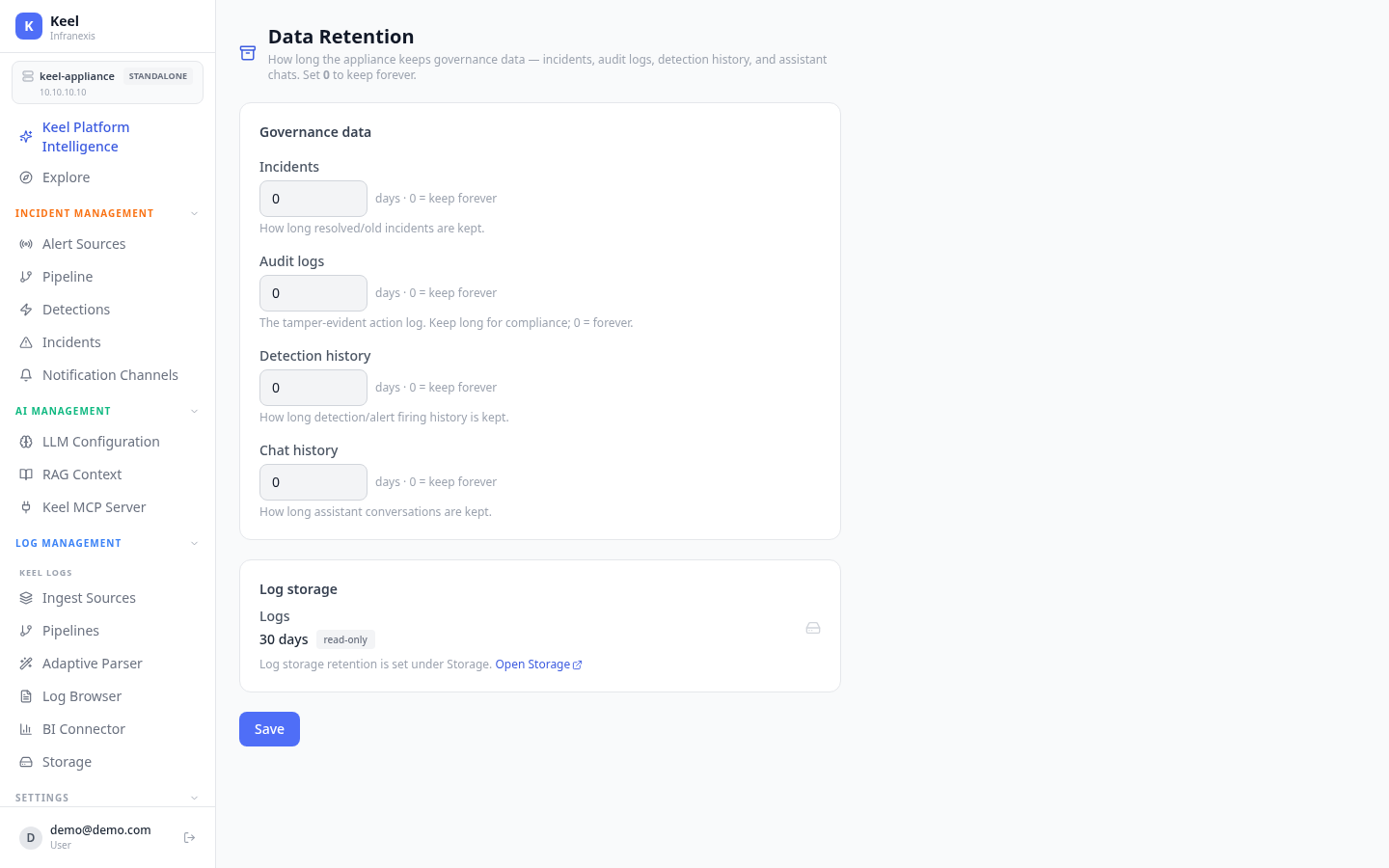
Location in Keel: /settings/retention
Data Retention controls how long the appliance keeps its governance data — incidents, audit logs, detection history, and assistant chats. Each window is set in days, and 0 means keep forever.
Governance data
Set a retention window for each type of governance record, then Save:
| Setting | What it controls |
|---|---|
| Incidents | How long resolved / old incidents are kept. |
| Audit logs | The tamper-evident action log. Keep long for compliance; 0 = forever. |
| Detection history | How long detection / alert firing history is kept. |
| Chat history | How long assistant conversations are kept. |
Keep audit logs for compliance
The audit log is tamper-evident. For regulated environments, set a long window — or 0 to keep it forever.
Log storage
Log retention is not set here — this page shows it read-only (for example, 30 days). Log windows, including per-class hot→cold and delete-after ages, are managed on the Storage page.
Note
Governance data and log storage retain independently. Change how long raw logs are kept under Storage; change how long incidents, audit logs, detection history, and chats are kept here.
Related
- Storage — log retention, log classes, and hot/cold tiering
- Incidents & root-cause analysis