Log Pipelines & Processing
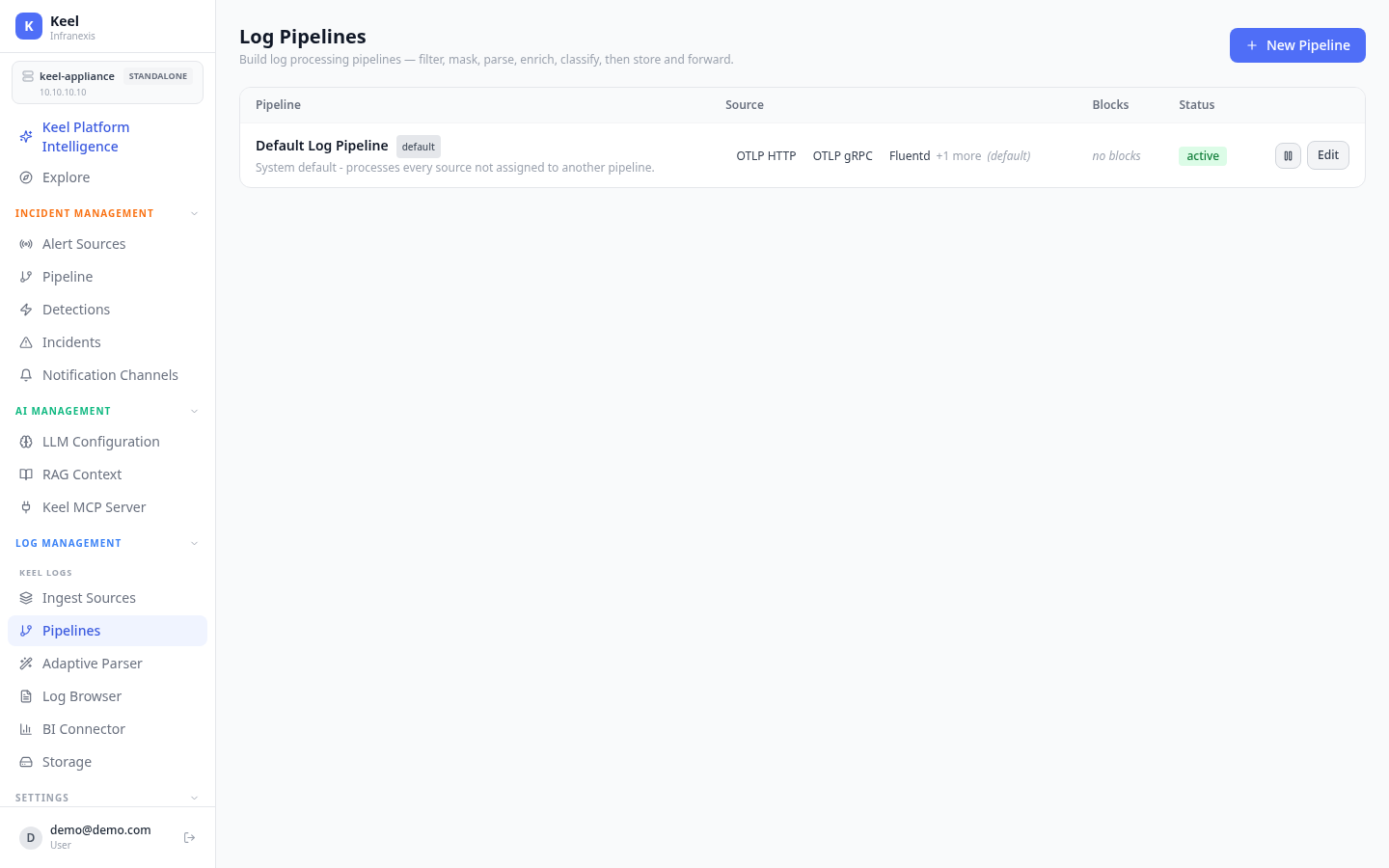
Location in Keel: /log/pipeline
A log pipeline processes logs as they arrive — filter, mask, parse, enrich, classify, then store and forward. You build a pipeline from ordered blocks, and each block does one thing.
How pipelines work
The Log Pipelines page lists each pipeline with its Source, its Blocks, and its Status. Use New Pipeline to create one, or Edit to change an existing pipeline's blocks.
Every appliance ships with a Default Log Pipeline that processes every source not assigned to another pipeline, so logs are never left unprocessed. Assign a source to its own pipeline when it needs different handling.
Pipeline blocks
Add blocks and order them to shape what happens to each log:
| Block | What it does |
|---|---|
| Filter | Keep logs that match conditions; drop the rest. |
| Parse | Turn an unstructured log body into structured fields. |
| Mask / redact | Redact sensitive patterns in the body or attributes. |
| Enrich | Attach additional fields or tags to every log. |
| Deduplicate | Suppress repeated lines. |
| Sample | Keep a fraction of logs to reduce volume. |
| Assign log class | Tag logs into a class that controls storage and retention. |
Order matters
Parse early so later blocks — filter, mask, assign log class — can act on the fields it extracts.
The Parse block draws on Keel's reusable parser library. See Storage for the log classes an Assign log class block targets.
Related
- Ingest Sources — the sources a pipeline processes
- Storage — log classes, hot/cold tiering, and retention