Security Policy
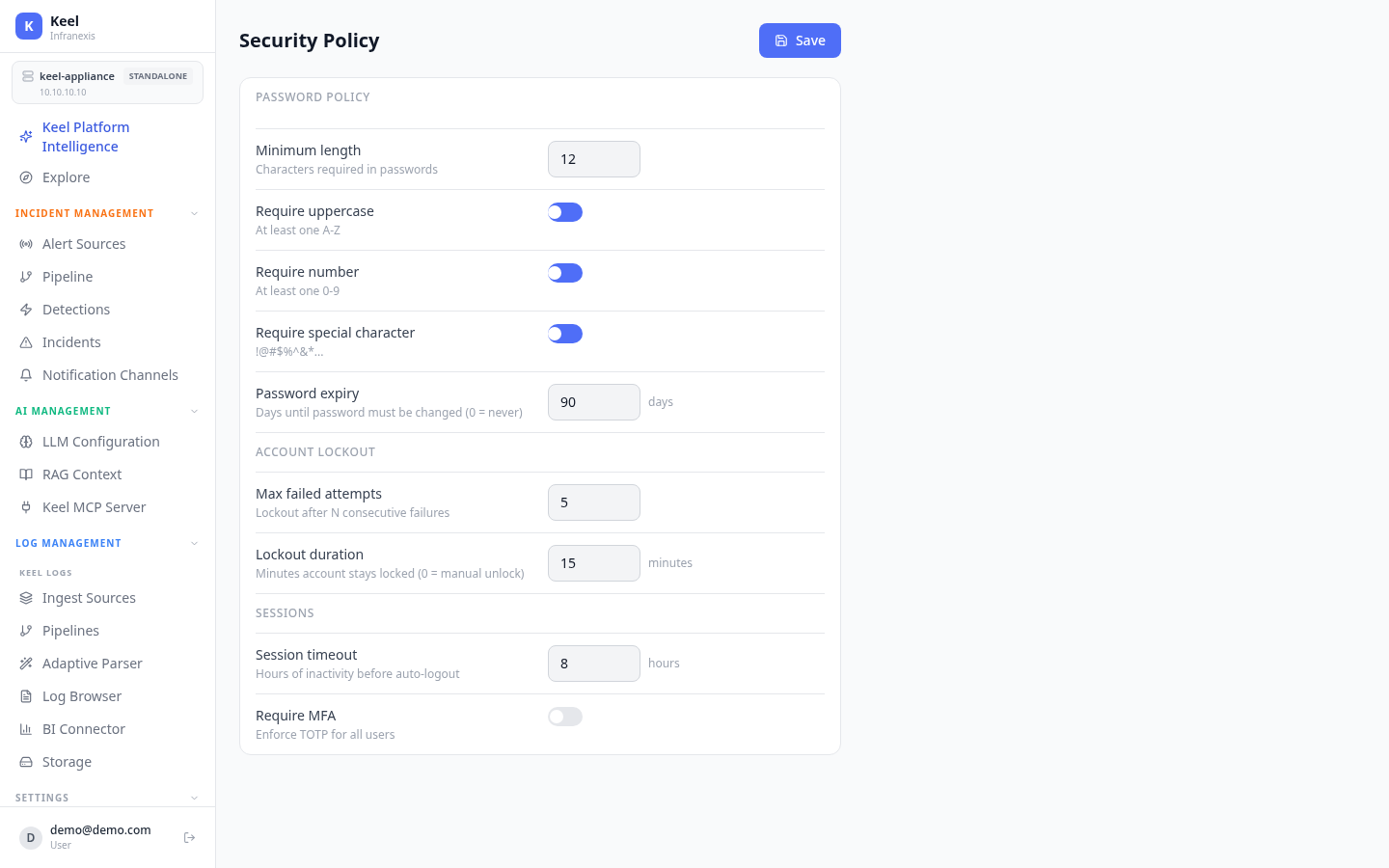
Location in Keel: /settings/security
The Security Policy page sets the rules that protect every account on the appliance: password strength, what happens after repeated failed sign-ins, and how sessions and MFA are handled. Adjust the controls and click Save to apply them across all users.
Password policy
Define how strong passwords must be:
| Setting | What it controls |
|---|---|
| Minimum length | Characters required in passwords |
| Require uppercase | At least one A–Z |
| Require number | At least one 0–9 |
| Require special character | At least one of !@#$%^&*... |
| Password expiry | Days until a password must be changed (0 = never) |
Account lockout
Slow down brute-force attempts by locking accounts after repeated failures:
| Setting | What it controls |
|---|---|
| Max failed attempts | Lock the account after N consecutive failures |
| Lockout duration | Minutes the account stays locked (0 = manual unlock) |
Manual unlock
Setting Lockout duration to 0 means a locked account stays locked until an administrator unlocks it — there is no automatic release.
Sessions
| Setting | What it controls |
|---|---|
| Session timeout | Hours of inactivity before a user is automatically logged out |
| Require MFA | Enforce TOTP for all users |
Enforce MFA platform-wide
Turning on Require MFA enforces TOTP for every user, rather than relying on per-account enrolment tracked on the Users page.
Related
- Users, Roles & Teams — accounts, roles, and MFA status
- Authentication & SSO — local accounts and external identity providers